Notes CLI
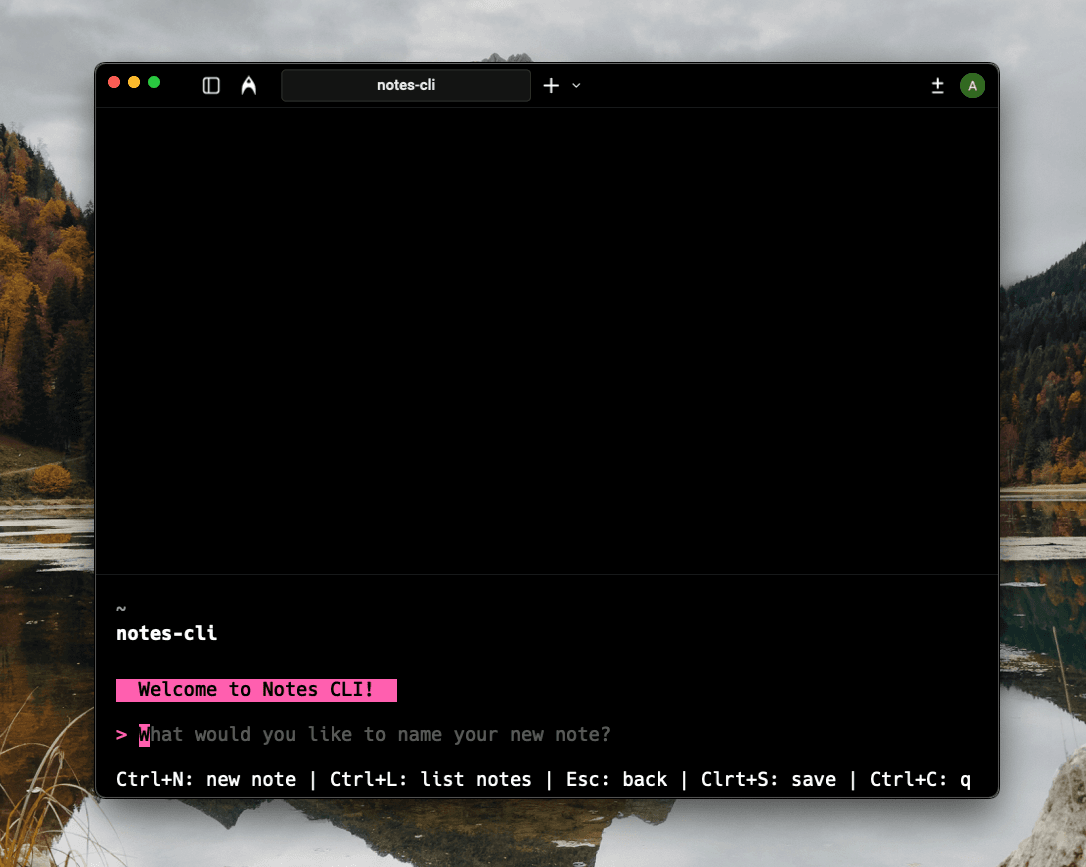
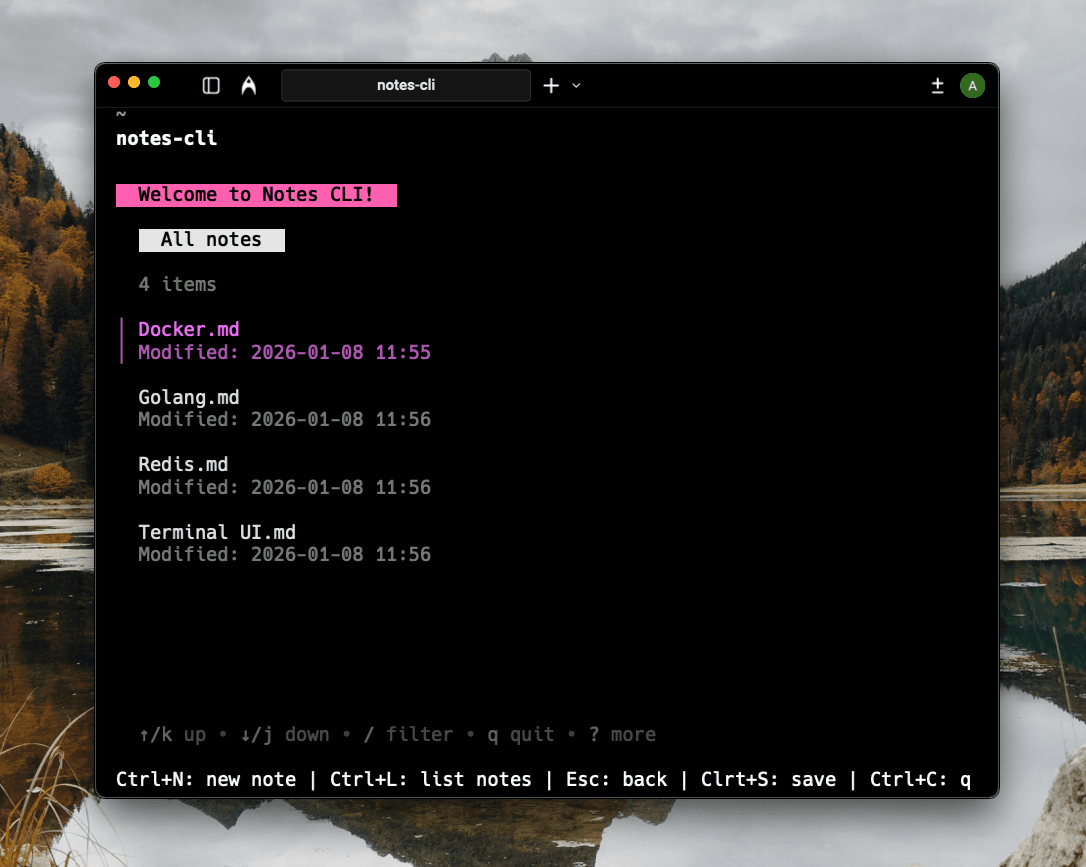
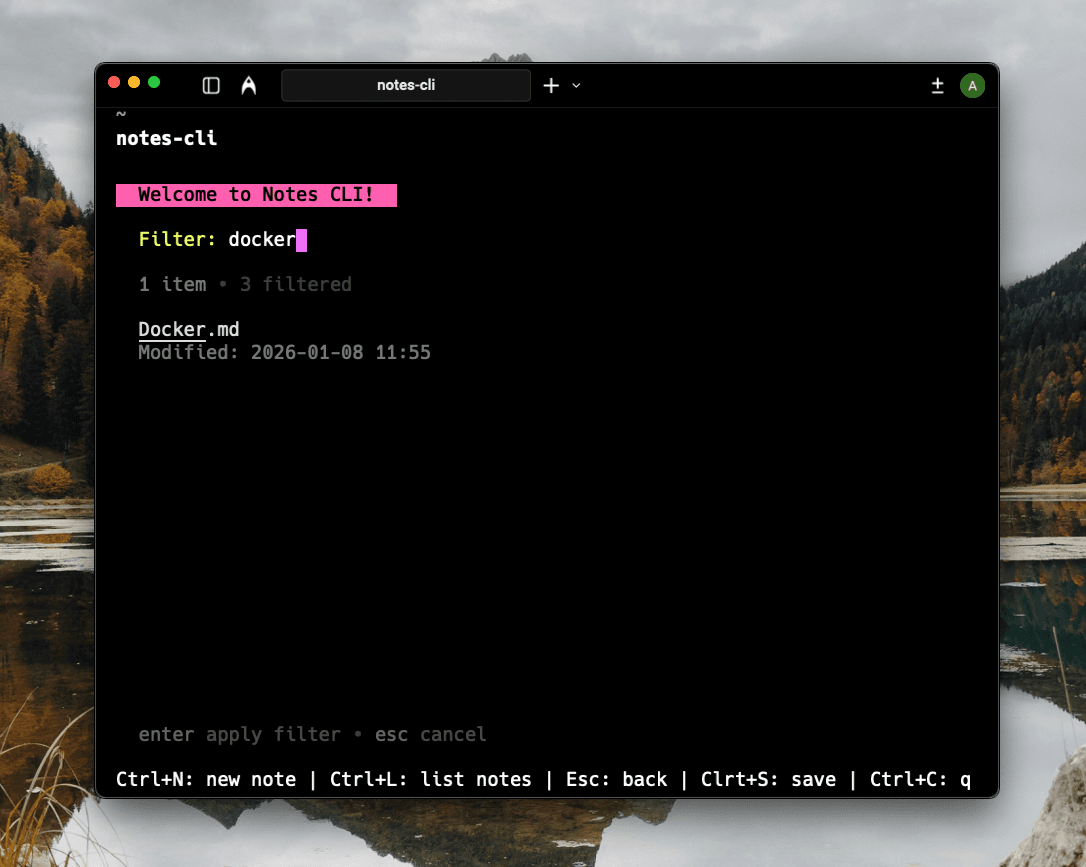
Notes CLI is a lightweight TUI application that lets users create, browse, and manage notes directly from the terminal.


Tech Stack
The Problem
Developers and power users often want a distraction-free, fast way to take notes without leaving the terminal.
1.
Context switching to GUI note apps
2.
Heavy or slow note-taking tools
3.
Lack of keyboard-first workflows
4.
Overly complex setup for simple notes
The Solution
Notes CLI provides a clean, keyboard-driven note-taking experience inside the terminal with minimal overhead.
1.
Create and manage notes from the terminal
2.
Keyboard-first navigation
3.
Fast startup and low resource usage
4.
Clean and intuitive TUI interface
5.
Local filesystem-based note storage
Architecture
A standalone terminal application built in Go using a TUI architecture.
1.
Bubble Tea for state management and UI rendering
2.
Lip Gloss for styling and layout
3.
Filesystem storage under ~/.notes-cli
4.
Makefile-driven build and install workflow
Key Technical Decisions
1.
Chose Go for implementation
Fast execution, easy distribution, and strong standard library support
2.
Used Bubble Tea for the TUI framework
Provided a clean state-driven UI model with minimal boilerplate
3.
Stored notes on the local filesystem
Kept the application simple, fast, and dependency-free
Challenges & Resolutions
1.
Designing an intuitive terminal UI
Used Bubble Tea’s state model and clear key bindings for navigation
2.
Balancing simplicity with usability
Focused on core note-taking workflows without feature creep
Future Enhancements
1.
Full-text search across notes
2.
Tagging and categorization
3.
Note encryption
4.
Sync support via external storage